> For the complete documentation index, see [llms.txt](https://icij.gitbook.io/datashare/llms.txt). Markdown versions of documentation pages are available by appending `.md` to page URLs; this page is available as [Markdown](https://icij.gitbook.io/datashare/server-mode/user-management/form-auth.md).
# HTML form
HTML form authentication with credentials stored in a database or Redis.
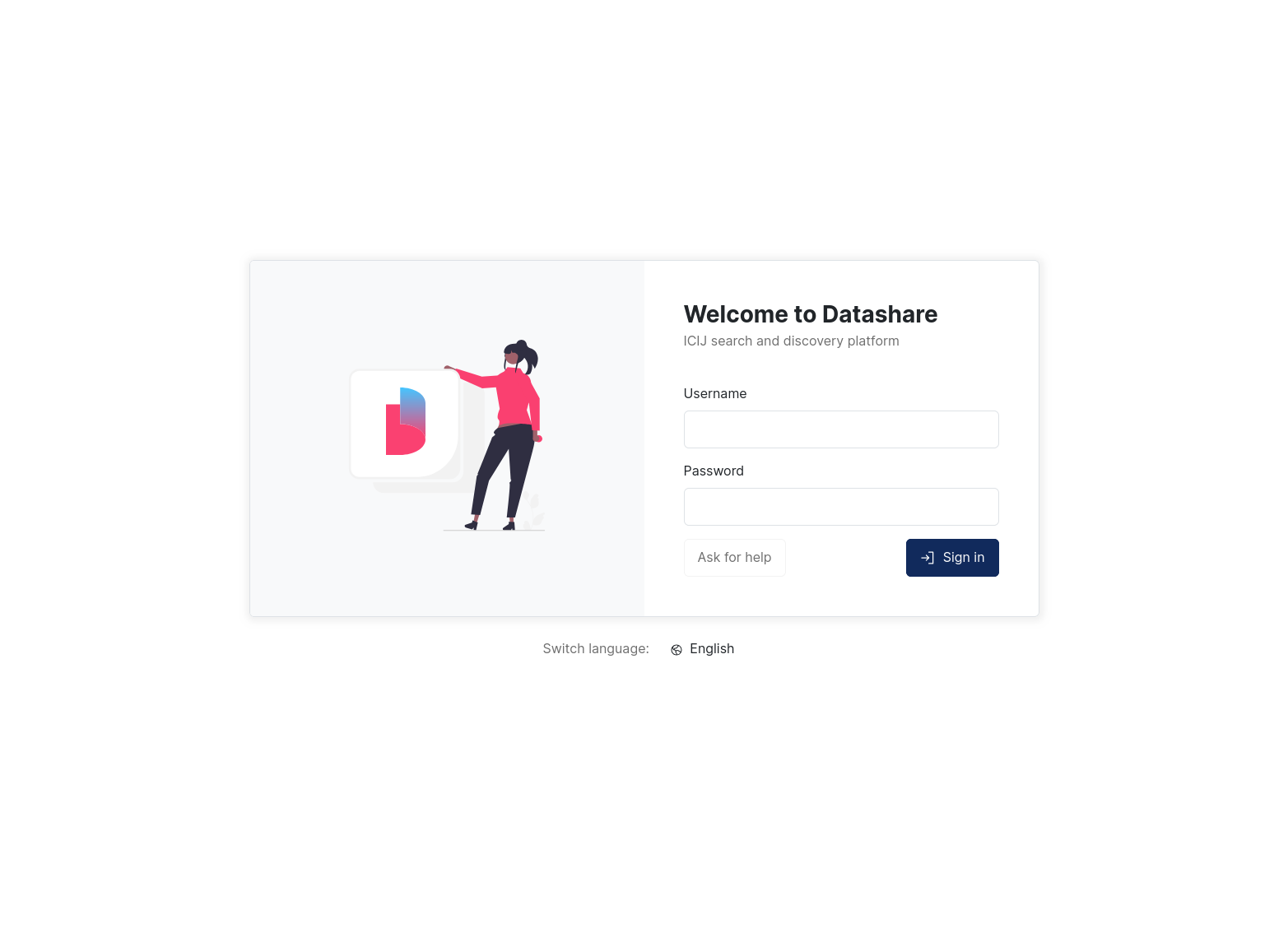
The form authentication method (`--auth form`) displays a login page served by Datashare's frontend. Users submit their credentials through an HTML form instead of the browser's native basic-auth popup, which gives a better user experience and lets them sign out.
This method is the **default** (used when no `--auth` flag is provided) and the **recommended** authentication provider for self-managed deployments. It replaces the legacy basic (`--auth basic`) and dummy (`--auth yesBasic`) methods.
Datashare login form
## How it works
When an unauthenticated user tries to access a protected URL, Datashare's frontend redirects them to the login page. The form posts credentials as JSON to `/auth/login`:
```
POST /auth/login
Content-Type: application/json
{"username": "foo", "password": "bar"}
```
On success, the server sets a session cookie and returns `200`. On failure, it returns `401`. Users can sign out by hitting `GET /auth/signout`, which clears the session. This is a feature that basic auth doesn't offer.
The session lifetime is controlled by `--sessionTtlSeconds` (default: `43200`, i.e. 12 hours).
{% hint style="warning" %}
Credentials are sent in plain text inside the request body. Always run Datashare behind TLS when using this filter.
{% endhint %}
## User provider
Form auth must be paired with a user provider that stores credentials, selected with `--authUsersProvider`:
* `database` (default): credentials stored in the Datashare database (PostgreSQL recommended).
* `redis`: credentials stored in Redis.
The user record format is the same in both cases. See [Provisioning users](/datashare/server-mode/user-management.md#provisioning-users) for how to hash passwords, structure records, and store them in PostgreSQL or Redis.
## Migrating from basic auth
If you're already running basic auth, migration is transparent:
1. Change `--auth basic` to `--auth form` (or simply drop the flag, since `form` is the default).
2. Keep the same `--authUsersProvider` (`database` or `redis`).
3. Restart Datashare.
No data migration is needed: the user records are identical.
## Example
With a PostgreSQL user inventory:
```
docker run -ti ICIJ/datashare app start --mode SERVER \
--batchQueueType REDIS \
--dataSourceUrl 'jdbc:postgresql://postgres/datashare?user=&password=' \
--sessionStoreType REDIS \
--auth form \
--authUsersProvider database
```
With credentials stored in Redis:
```
docker run -ti ICIJ/datashare app start --mode SERVER \
--batchQueueType REDIS \
--dataSourceUrl 'jdbc:postgresql://postgres/datashare?user=&password=' \
--sessionStoreType REDIS \
--auth form \
--authUsersProvider redis
```
---
# Agent Instructions
This documentation is published with GitBook. GitBook is the documentation platform designed so that both humans and AI agents can read, navigate, and reason over technical content effectively. Learn more at gitbook.com.
## Querying This Documentation
If you need additional information that is not directly available in this page, you can query the documentation dynamically by asking a question.
Perform an HTTP GET request on the current page URL with the `ask` query parameter, and the optional `goal` query parameter:
```
GET https://icij.gitbook.io/datashare/server-mode/user-management/form-auth.md?ask=&goal=
```
`ask` is the immediate question: it should be specific, self-contained, and written in natural language.
`goal` is optional and describes the broader end goal you are ultimately trying to accomplish on behalf of the user. GitBook uses it to tailor the answer towards what is most useful for that goal.
The response will contain a direct answer to the question and relevant excerpts and sources from the documentation.
Use this mechanism when the answer is not explicitly present in the current page, you need clarification or additional context, or you want to retrieve related documentation sections.